PromoxSJEnv
Oct 10, 2018
Technology
Virtual Disk
Virtual CD-ROM:

Disk
Storage in Datacenter:
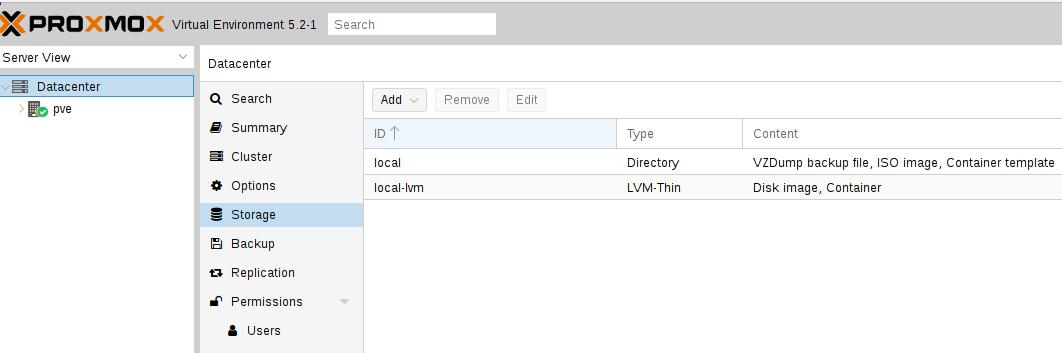
Storage on node:
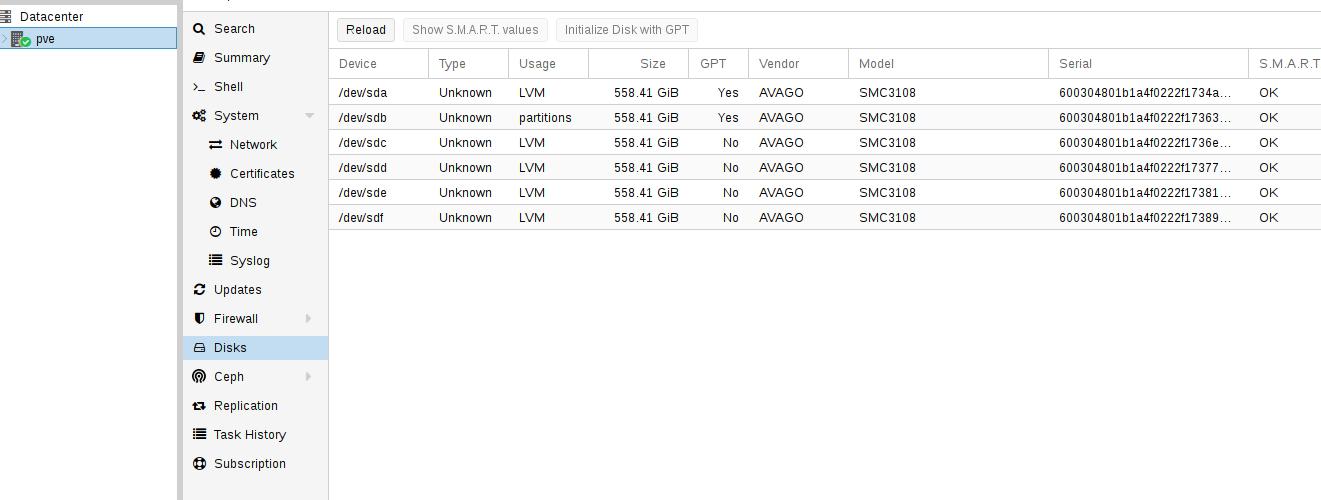
Seems only occupy the first /dev/sda.
Remove the exising uneccessary lv and pv:
# lvremove /dev/1kbakvg/1kdf
# vgremove 1kbakvg
Add new volume group:
Change from gpt to dos, fdisk /dev/sdb, press o
# vgcreate vms /dev/sdb /dev/sdc /dev/sdd /dev/sde /dev/sdf
# vgdisplay | grep vms
VG Name vms
# lvcreate -L 1024G --thinpool vms_image_pool vms
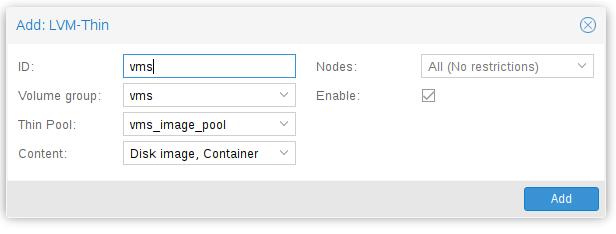
Add LVM-Thin:
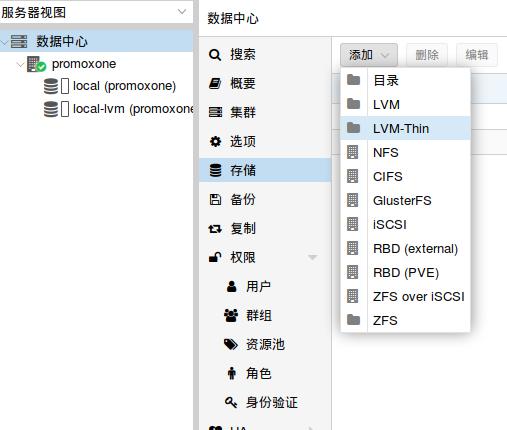 Or:
Or:
Upload cdroms
To /var/lib/vz/template/iso/
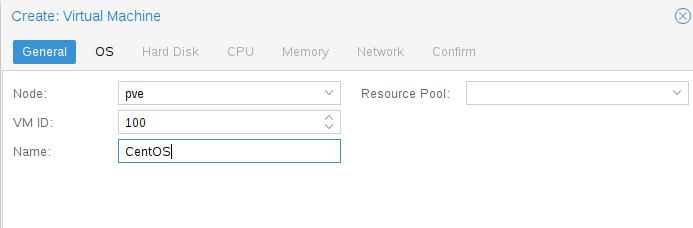
Create vm:
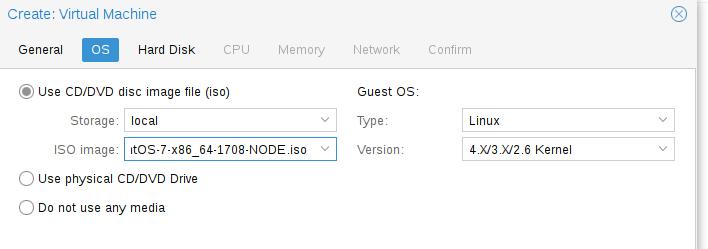
Choose cd:
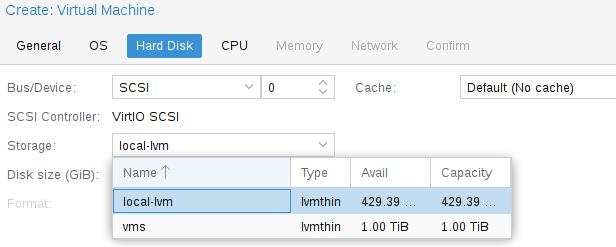
Choose Disk Storage size:
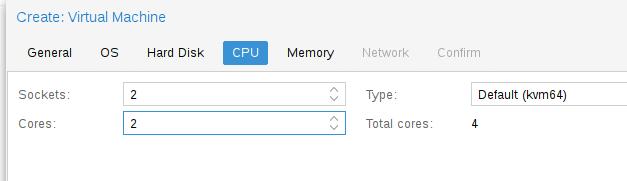
Cpus:
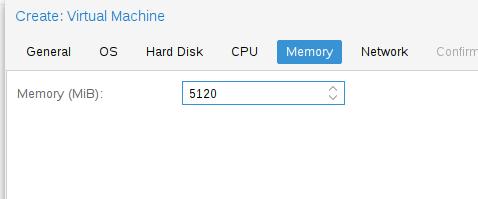
Memory:
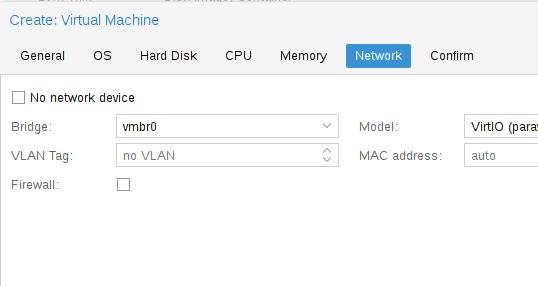
Network:
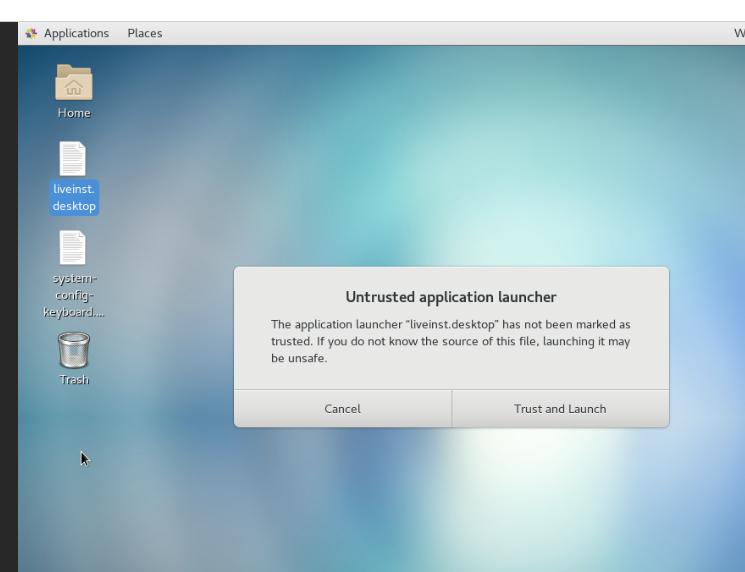
Then start the machine, begin install:
vms
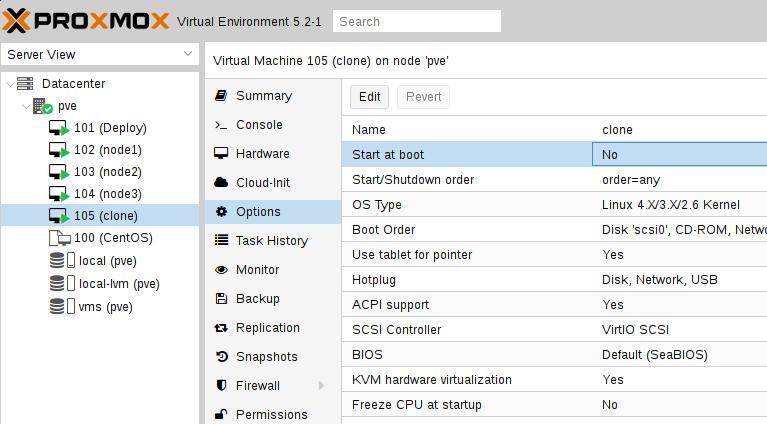
Start on boot